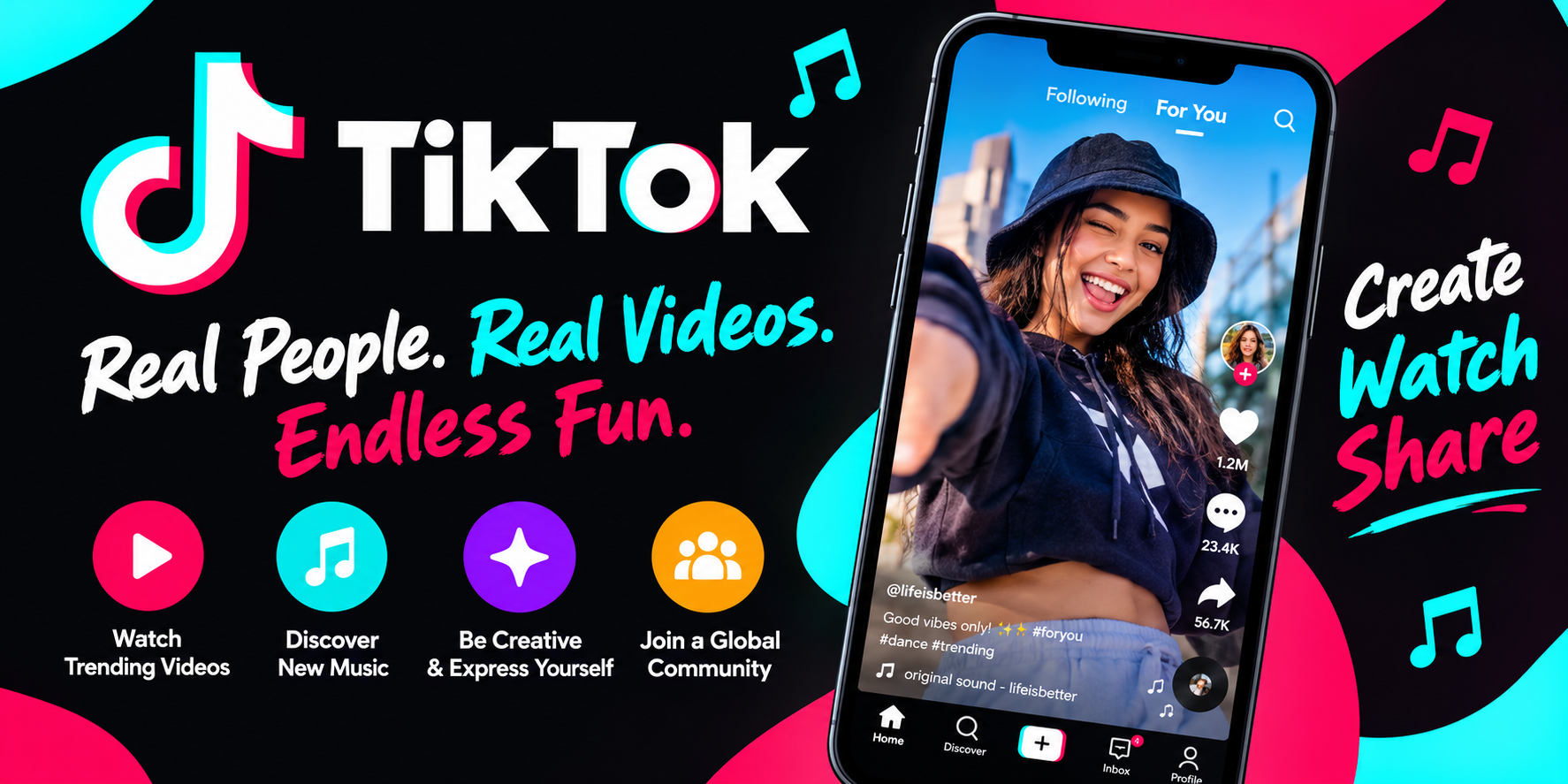
TikTok has become something of a cultural weather system. It's where songs break, where recipes go viral, and where a fifteen-second clip can launch a small business. The Google Play listing describes the app simply: discover videos, music, and live streams from around the world, and use easy tools to create your own. That description is accurate, but it undersells how deliberately the app is engineered to keep you watching—and how much friction some users still run into. Here's a detailed breakdown of what the app offers, where it shines, and what the 67.1 million reviews are telling us.
A Feed That Learns What You Actually Want to Watch
The core of TikTok isn't the video player—it's the recommendation engine. The app builds a personalized feed based on what you watch, like, and share, and the listing is candid about the goal: delivering "authentic, funny, and interesting videos" that keep you entertained all day. The range is genuinely broad. Sports fans, travel enthusiasts, food lovers, fitness buffs, and people who just want a laugh are all served by the same scroll. The "skip what you don't like" model is deceptively simple: every swipe is a signal, and the feed adjusts accordingly. Whether that's a feature or a trap depends on your relationship with your screen time, but there's no denying the engine is effective.
Short-Form Video That Teaches as Much as It Entertains
One of the app's underrated strengths is how much practical content lives in that endless stream. The listing highlights the ability to "learn a new skill in 15 seconds"—DIY projects, food recipes, and animal care tips among them. In practice, this is where TikTok earns some of its goodwill. A fifteen-second clip won't make you a carpenter, but it can show you a technique, point you toward a tutorial account, or introduce a hobby you'd never considered. Creators demonstrate incredible skills and everyday routines, and the format rewards clarity and brevity. If you approach the feed with intent rather than passive scrolling, it functions as a surprisingly efficient discovery tool.
Creation Tools That Keep You Inside the App
TikTok's editing suite is built around a simple promise: you shouldn't need to leave the app to make a decent video. That promise largely holds up. The key tools include:
- In-app editing for trimming, cutting, merging, and duplicating clips without exporting to another program.
- Effects, filters, and AR objects to add polish and personality before posting.
- A massive sound library with millions of music clips and original sounds, curated into playlists spanning hip-hop, pop, rock, rap, country, and more.
- Easy pause-and-resume recording, so you can stop and restart a take as many times as you need.
For casual creators, this is more than enough to produce something watchable. For serious editors, the limitations will eventually show—but as a phone-first workflow, it's remarkably complete.
Live Streaming and the Social Layer
The app isn't only about pre-recorded clips. Live streams let creators interact with audiences in real time, and the discovery feed blends live content in alongside regular videos. This social dimension—comments, duets, shares, and creator communities—is a big part of why people stay. It's also where some of the app's most persistent bugs have surfaced. One reviewer reported that comment translation vanished after an update, returned only after uninstalling and reinstalling several times, and then disappeared again upon re-entering the comments. That's a frustrating pattern: a genuinely useful accessibility feature behaving unpredictably across versions.
The Update Problem Users Keep Reporting
Read through the recent reviews and a theme emerges quickly: updates are a gamble. One user described a recurring cycle where every app upgrade broke something—missing translations, playback failures, black screens, no audio, and garbled text. Another reviewer noted that after an update, videos wouldn't play without translation enabled. The developer responses follow a consistent script: report the issue through Profile → Menu → Settings and Privacy → Help Center. That's the correct channel, but users clearly feel the loop isn't closing. A separate complaint described AI-generated feedback responses as unhelpful for resolving substantive problems. The takeaway for new users is practical: if the app is working well for you, consider delaying major updates until you've checked recent reviews.
Regional Restrictions and the "No Internet" Wall
Perhaps the most striking review comes from a user who downloaded the app successfully from Google Play, only to be greeted with a "no internet connection" error on launch. Their theory—that the app identifies the SIM card and blocks users in certain regions—points to a well-known reality: TikTok's availability varies by country, and workarounds involving SIM-free devices create a chicken-and-egg problem, since downloading the app itself may require a connection that's restricted. This isn't a bug so much as a geographic policy, but it's poorly communicated in-app, and the generic error message leaves users guessing. If you're traveling or living in a region with limited access, check availability before you plan around the app.
Privacy, Data Sharing, and the Fine Print
The data safety disclosure is worth reading before you install. According to the listing, the app may collect location data, personal information, and nine other categories of data, and it may share personal information, photos and videos, and two additional categories with third parties. Data is encrypted in transit, and users can request deletion. That's a meaningful amount of data collection—more extensive than many utility apps—and it's consistent with how ad-supported social platforms operate. None of this is unique to TikTok, but it's the kind of detail that deserves more than a glance, especially if you're setting the app up for a younger family member.
The Verdict: Compelling, Addictive, and Occasionally Frustrating
TikTok's Android app is a genuinely impressive piece of software. The recommendation engine is best-in-class, the creation tools are deeper than most casual users will ever need, and the sheer variety of content means there's almost always something worth watching. Against that, the app carries real baggage: update instability, inconsistent translation features, region-based access problems, and a broad data-sharing footprint. It's free, it's fast, and it's designed to hold your attention—which is precisely why it's worth going in with your eyes open. Download it, set your privacy preferences deliberately, and if it's working smoothly, don't rush to hit update.