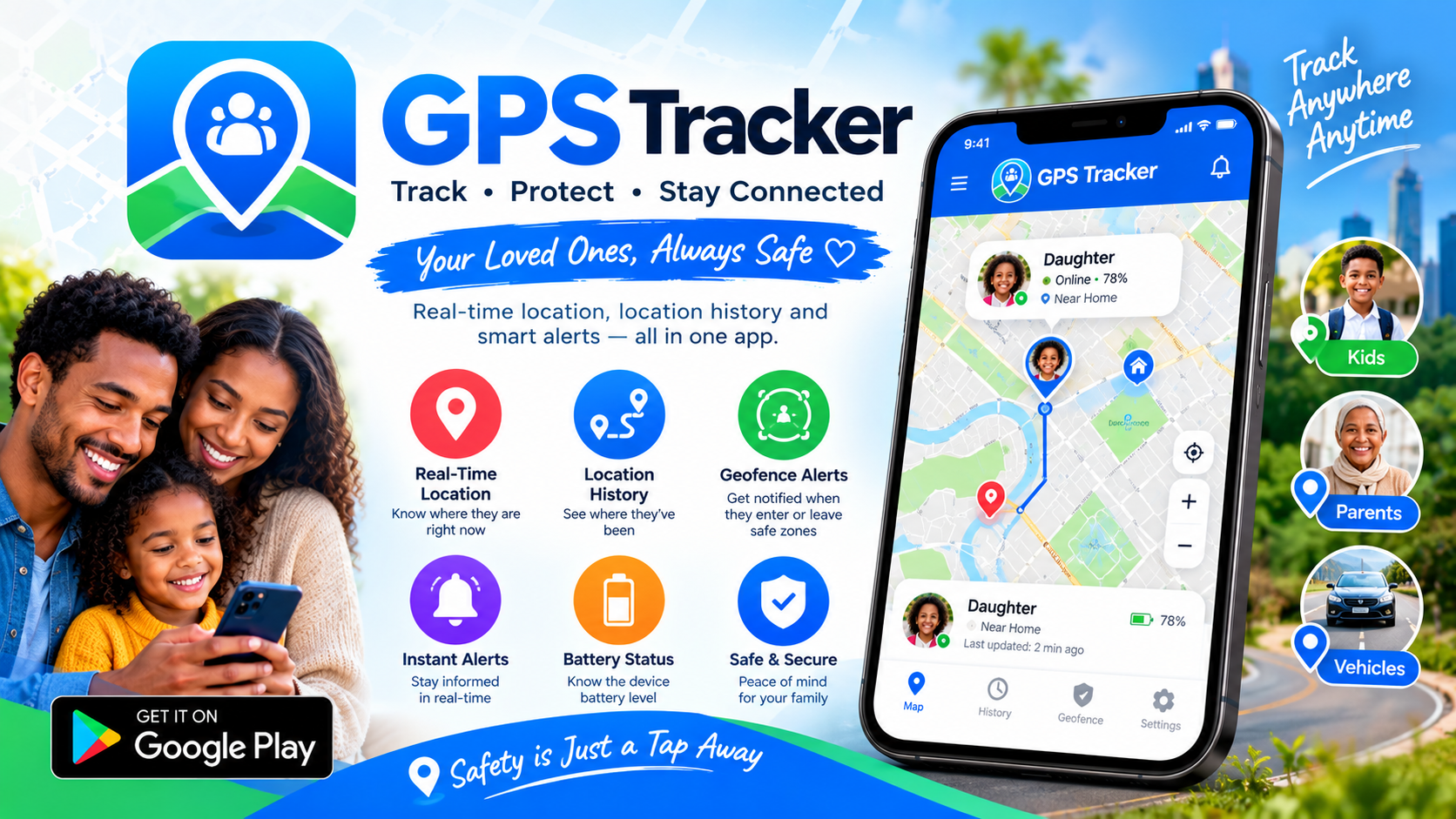
Location sharing has become one of those quietly essential features of modern life. We use it to coordinate meetups, reassure worried parents, and check that a friend made it home safely. Yet the category is also one of the most ethically fraught in all of mobile software—plagued by apps that promise "tracking" but deliver surveillance, harvest data without meaningful disclosure, or bury users in permissions they never agreed to. The Phone Tracker – GPS Location app, published by developer Le Xuan Truong under the Trusted Mobile Utilities label, takes a deliberately different path. Its core premise is simple and unusually principled: location sharing only begins after both parties consent to the connection. There are no secret installs, no covert monitoring, no one-way visibility. In a market full of gray-area tools, that single design decision sets it apart.
The Consent Model: Sharing That Requires Two Yeses
What makes this app worth writing about isn't its feature list—it's its architecture. Most location-sharing apps are built around a "tracker" and a "tracked" relationship, where one person holds all the power. Phone Tracker – GPS Location flips that dynamic by requiring a mutual connection before any location data moves. You can establish that connection in one of three ways:
- Scanning a QR code — quick and useful when you're physically together
- Accepting an invitation — the other person initiates, you decide
- Entering a user ID — for remote connections with people you already know
Once connected, sharing doesn't start automatically. You choose when to begin, and you can pause or stop at any time. Crucially, the app displays a persistent notification whenever sharing is active, so there's no ambiguity about whether your location is visible. This is consent as an ongoing state rather than a one-time checkbox—and it's a meaningful distinction.
Real-Time Maps and the Practical Case for Coordinating Together
Strip away the privacy considerations and what you have is a genuinely useful coordination tool. After a connection is approved, both parties can see each other's live position on a map, with updates that refresh as location sharing remains enabled. For everyday scenarios, that capability solves real problems:
- Meeting a friend in an unfamiliar neighborhood without trading a dozen text messages
- Coordinating a pickup at a crowded event or transit hub
- Checking that a family member arrived at their destination
- Letting a trusted person know you're on your way home late at night
The app also includes a map search for nearby points of interest—cafés, ATMs, hotels—and offers Street View in supported regions. It's a modest but practical addition that turns the map into something you'd actually use beyond just checking on people.
Geofencing: Gentle Alerts for the Places That Matter
One of the app's more thoughtful features is the ability to create zones around locations that matter to you—home, work, school, or anywhere else. When a connected contact enters or leaves one of these zones, you can opt to receive a notification. It's a simple mechanism, but it's the kind of thing that replaces anxious checking with calm, automatic reassurance. A parent doesn't need to stare at a map all afternoon if they get a quiet ping when their child arrives at school. A partner doesn't need to send "are you home yet?" texts if a zone alert handles it. Importantly, these reminders are optional, and they only function between contacts who have already agreed to connect. The feature exists to reduce friction, not to create a new layer of monitoring.
Permissions, Plainly Explained
One of the most refreshing things about this app's store listing is that it actually tells you what it's asking for and why. Instead of a wall of unexplained requests, the permission overview is laid out clearly:
- Location (foreground) — updates the map while the app is open
- Background location (optional) — maintains sharing and zone alerts when the app is closed
- Camera (optional) — scans QR codes to add contacts
- Notifications — delivers alerts and updates
- Network — loads map data and supports connections
Every sensitive permission is framed as optional and tied to a specific function. Background location, in particular, is the permission most apps abuse—so seeing it explicitly marked as optional and explained in context is a good sign. Users can grant what they're comfortable with and decline the rest without breaking the core experience.
Privacy and Transparency: What the App Claims, and What It Doesn't
The app's privacy posture is stated in unusually direct language: only approved contacts can see your location, removing a contact immediately terminates their access, sharing can be paused or stopped at any time, and clear reminders appear whenever sharing is active. On the data safety front, the developer declares that no data is shared with third parties and that data is encrypted in transit. The app does collect some data types—personal information, app activity, and a couple of others—so it isn't a zero-collection app, and users should read the full disclosure rather than assume otherwise. But the combination of no third-party sharing, encrypted transit, and a consent-gated sharing model puts it well ahead of the category average. For a tool that handles something as sensitive as location, those distinctions matter enormously.
The Honest Caveats: What to Know Before You Install
No app is perfect, and this one deserves a balanced look. With only around 43 reviews at the time of writing, it's a young app from a small independent developer rather than a battle-tested platform with years of user feedback behind it. That means the feature set is still relatively lean compared to established competitors, and long-term reliability isn't yet proven at scale. It's also worth being clear about what this app fundamentally is: a mutual, consensual sharing tool—not a covert tracker. If you're looking for something to secretly monitor another person's phone, this is explicitly not that, and the app's design makes such use effectively impossible. That's a feature, not a limitation—but it's worth stating plainly so the wrong audience doesn't download it expecting otherwise.
The Verdict: Small App, Big Principles
Phone Tracker – GPS Location won't win awards for the most feature-packed location app on Android. What it offers instead is something rarer: a location-sharing tool built on a foundation of mutual consent, clear disclosure, and user control. The real-time map, geofencing alerts, and nearby-place search cover the practical basics well, while the consent-gated connection model and persistent sharing notifications address the ethical concerns that make so many people uneasy about this category. If you're looking for a straightforward way to stay coordinated with family and trusted friends—without surveillance, without hidden access, and without your data being sold to advertisers—this app is a solid, principled choice. It respects both your privacy and your intelligence, and in the location-tracking space, that's genuinely uncommon.