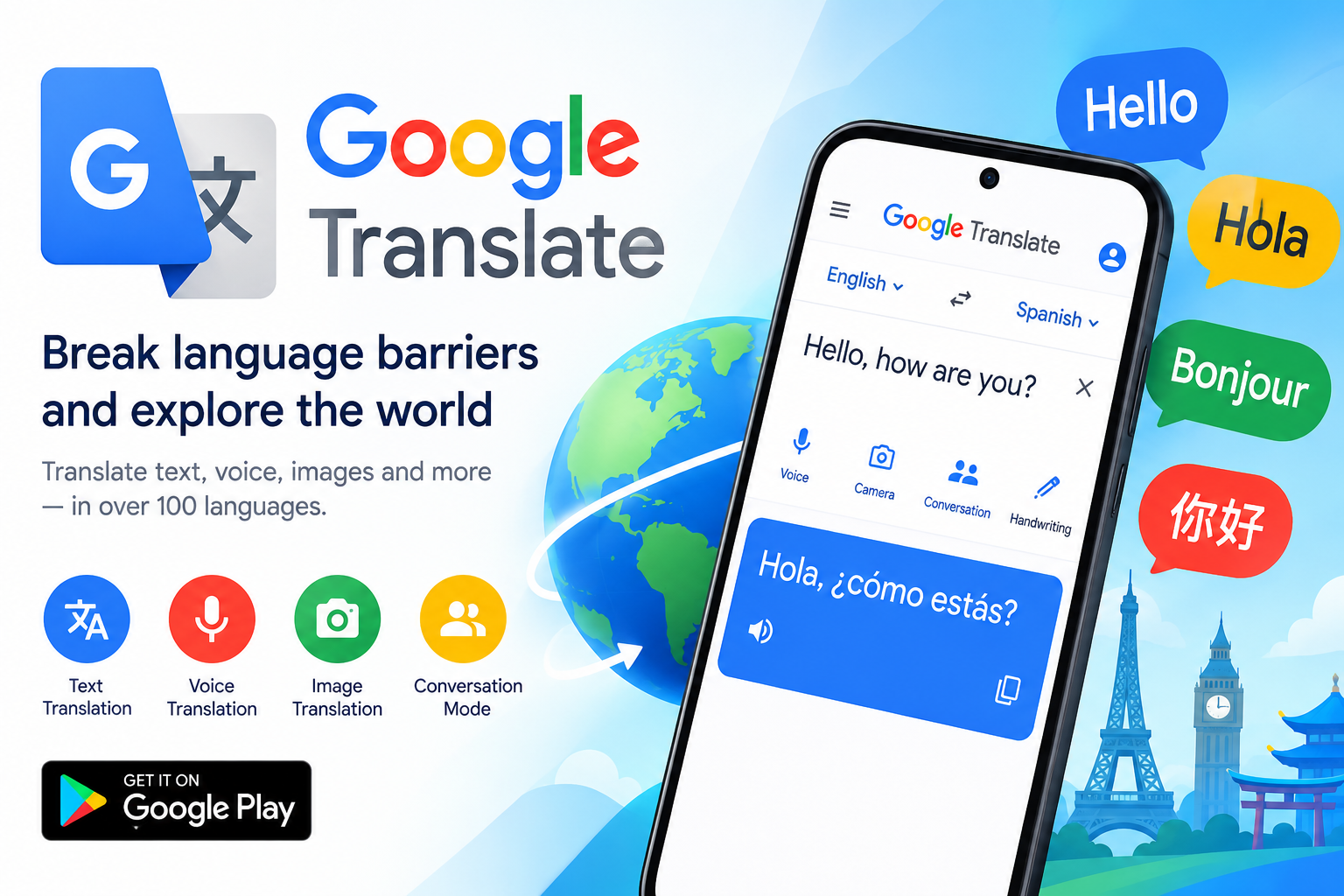
Most people download Google Translate expecting a simple word-for-word converter and then never explore what it can actually do. That's a shame, because the app has evolved into something far more ambitious: a multi-modal translation suite that handles text, speech, handwriting, photos, and even live conversation. According to its Google Play listing, the app now supports text translation across 108 languages, with specialized features for offline use, camera input, and real-time dialogue. Whether you're a student wrestling with a foreign-language article, a traveler navigating a night market in Bangkok, or a professional corresponding with overseas clients, the breadth of tools here is genuinely impressive — and it's all free. Let's break down what makes this app worth a closer look, feature by feature.
Text Translation and Tap to Translate: The Everyday Workhorses
The core of Google Translate remains simple text translation, but the convenience layer on top of it is what keeps people coming back. The "Tap to Translate" feature is a particular standout: copy text in any app — a messaging thread, a news article, a restaurant menu screenshot — and a floating Google Translate icon appears, letting you translate instantly without switching apps. There's no language limitation on this feature, which means it works even for less common language pairs. For anyone who regularly reads content in a second language, this eliminates the tedious copy-paste-into-a-translator-app dance. It's the kind of small design decision that turns a utility app into a habit.
Offline Mode, Camera Translation, and Photo Import
Travelers know the panic of landing in a new country with no data plan. Google Translate's offline mode addresses this directly by supporting 59 languages without an internet connection — you simply download the language packs ahead of time. Beyond that, the app's visual translation tools are remarkable:
- Instant camera translation: Point your camera at signs, menus, or labels and see translated text overlaid in real time (94 languages supported).
- Photo translation: Snap or import a photo for higher-quality translation of denser text, like documents or book pages (90 languages).
- Handwriting input: Draw characters by hand instead of typing them, useful for languages with non-Latin scripts (96 languages).
Together, these features cover nearly every real-world scenario where you'd need to understand foreign text but can't type it.
Conversation, Transcription, and Voice Features
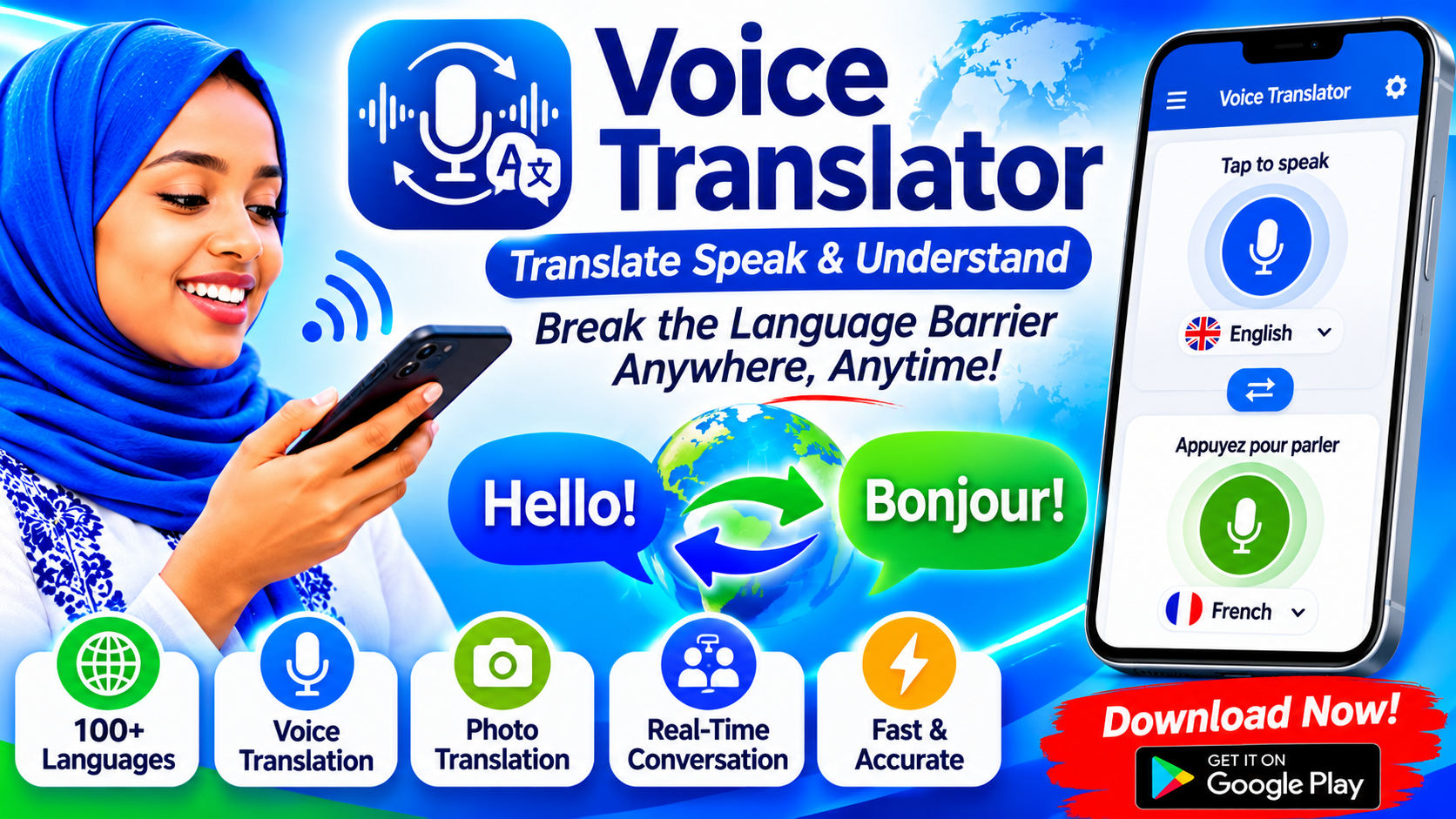
Perhaps the most socially valuable feature is conversation mode, which provides real-time two-way translation for spoken dialogue across 70 languages. One traveler review on the Play Store described using it in Thailand and finding "no usage barrier at all," with translations accurate enough to communicate naturally — even including phonetic guides. There's also a transcription feature that continuously translates speech in near real time, currently supporting 8 languages. This is a glimpse of where translation technology is heading: not just helping you read, but helping you participate in conversations you'd otherwise be locked out of. The microphone permission the app requests exists precisely for these voice-driven tools, and in practice, they work surprisingly well even in noisy environments.
Favorites, Sync, and Thoughtful Extras
Small organizational features often determine whether an app becomes part of your workflow. Google Translate lets you star translations to save them for later — useful for building a personal phrasebook before a trip or keeping track of recurring terminology for work. Crucially, if you sign in, your favorites sync across your phone and desktop, so the phrases you saved on mobile are waiting for you in the browser version. There's no language limit on saved items. It's a quiet feature, but for frequent users, it transforms the app from a disposable tool into a persistent reference library.
Language Coverage That's Genuinely Staggering
Scroll through the full language list and you'll find the usual suspects — Spanish, French, Japanese, Arabic — alongside languages many competitors simply don't support: Amharic, Aymara, Bambara, Ewe, Guarani, Ilocano, Lingala, Luganda, Meitei, Mizo, Oromo, Quechua, Sepedi, Tigrinya, Tsonga, and many more. The app covers over 100 languages in total, including both Traditional and Simplified Chinese, multiple Kurdish dialects, and regional languages across Africa, South Asia, and the Americas. For speakers of underrepresented languages, this isn't a novelty — it's meaningful access. Google's stated mission with the app is to "support over 100 languages and let the world have no language barriers," and the list suggests they're serious about the breadth of that promise.
Data Privacy, Permissions, and Realistic Limitations
No app review would be honest without addressing privacy. The Play Store listing states that Google Translate does not share data with third parties, encrypts data in transit, and offers an independent security review — but it also notes the app may collect location data, personal information, and five other data categories. The permissions requested (microphone, camera, storage, account credentials) map directly to core features, which is reassuring, but users should still review the data safety section themselves. It's also worth noting user feedback: while most reviews are glowing, some users report interface frustrations, such as floating-window translation in landscape mode leaving too little screen space to display both original and translated text properly. No translation app is perfect, and Google Translate's occasional layout quirks and offline quality limitations are worth knowing about going in.
The Verdict: A Must-Have Whether You're Traveling or Just Curious
With over 8.5 million reviews and a feature set that spans 108 languages for text, 94 for camera translation, and 70 for live conversation, Google Translate has earned its place as one of the most practical apps on Android. Recent updates have focused on bug fixes and incremental improvements rather than splashy new features — a sign of maturity rather than stagnation. If you haven't opened the app since your last vacation, it's worth revisiting: download a few offline language packs, try the camera mode on a foreign-language book cover, and test conversation mode with a friend. You may find that the tool you once thought of as a basic dictionary has quietly become something much more capable — and entirely free.